Realistic device frames
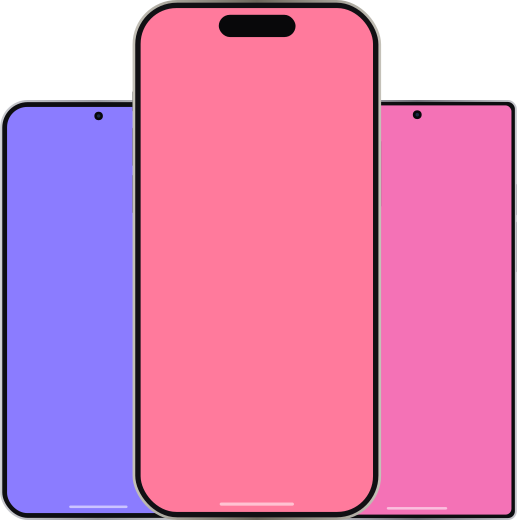
20+ models — iPhone, iPad, Pixel, Galaxy, Xiaomi — with metallic rails, notches, Dynamic Island, punch-holes and home indicators.
Drop an emulator screenshot into a realistic iPhone, iPad or Android frame and export a store ready image — all in your browser, in under a minute.
No account · Nothing leaves your browser · Works offline
A tiny tool with excellent execution: import, frame, arrange, export.
20+ models — iPhone, iPad, Pixel, Galaxy, Xiaomi — with metallic rails, notches, Dynamic Island, punch-holes and home indicators.
Solid, gradient or image backgrounds with presets, plus realistic contact shadows and an optional glass reflection.
Exact App Store, Google Play and social sizes. Export PNG/WebP at 1x or 2x, transparent background, or copy straight to the clipboard.
Place several devices on one canvas, snap and align them, distribute evenly, and rotate to portrait or landscape.
Paste or drop a screenshot and Framely picks the right device by aspect ratio automatically. Save projects locally too.
Installable as a PWA and fully offline-capable. A desktop build is on the roadmap.
Start from a specific frame — pick a device and drop in your screenshot.
Your screenshots never leave your browser. No upload, no account, no trace.
Framely never uploads your screenshots. Everything — framing, rendering and export — happens on your device. That means your unreleased app UI stays yours.
No. Framely runs entirely in your browser. Your screenshots are never sent to a server — there is no backend, no account and no tracking.
Yes. Framely is free to use in your browser, with no sign-up required.
iPhone (SE through the latest Pro Max), iPad, iPad Air, mini and Pro, plus Pixel, Galaxy, Xiaomi and generic Android phones and tablets.
Yes. Framely includes exact export presets for the App Store, Google Play and common social and web sizes, plus PNG/WebP at 1x or 2x and a transparent-background option.
Found a bug or missing a device? Tell us — every message is read.
No install, no sign-up. Open the app and paste a screenshot.
Open Framely